> For the complete documentation index, see [llms.txt](https://docs.shimoku.com/dev/llms.txt). Markdown versions of documentation pages are available by appending `.md` to page URLs; this page is available as [Markdown](https://docs.shimoku.com/dev/building-web-app/theming.md).
# Theming
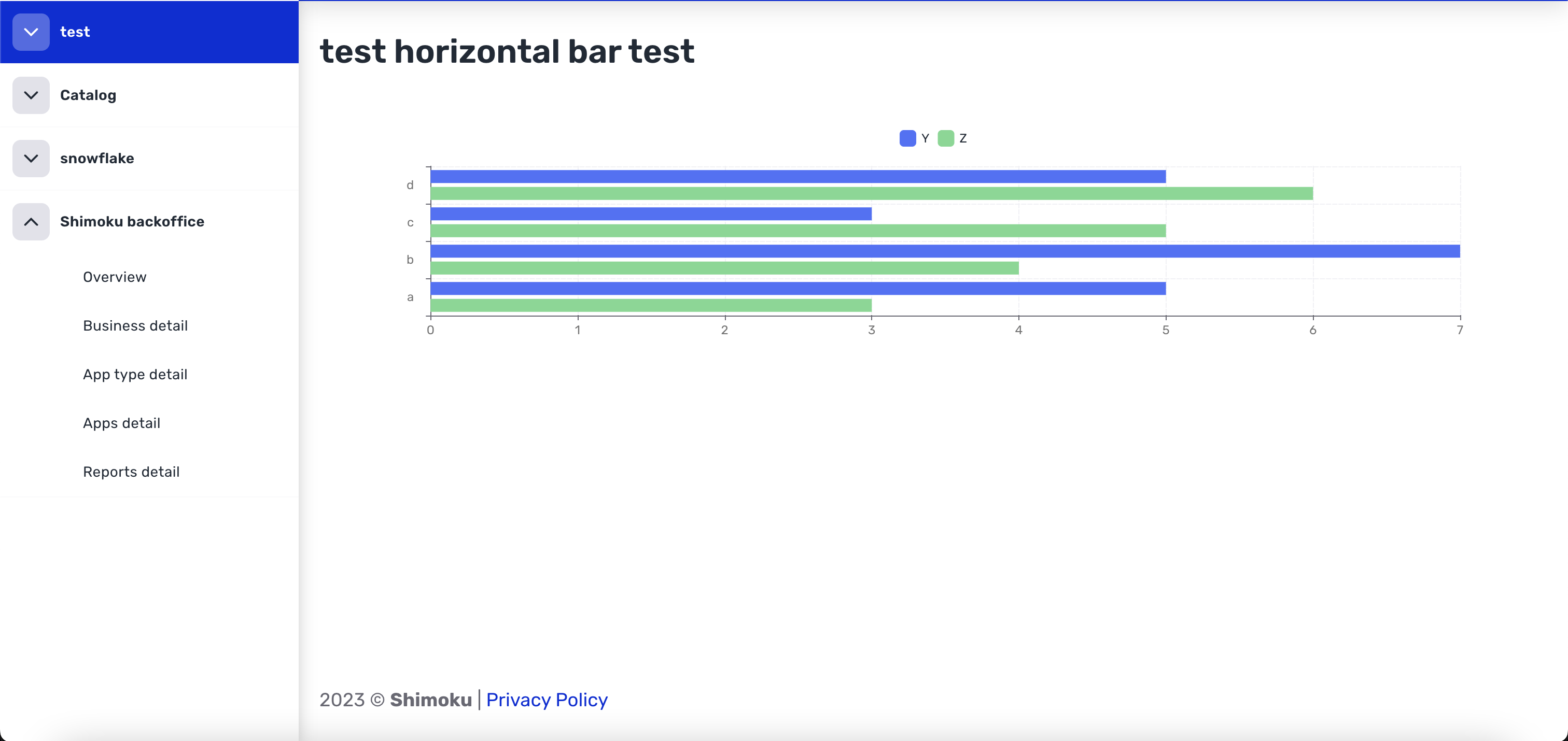
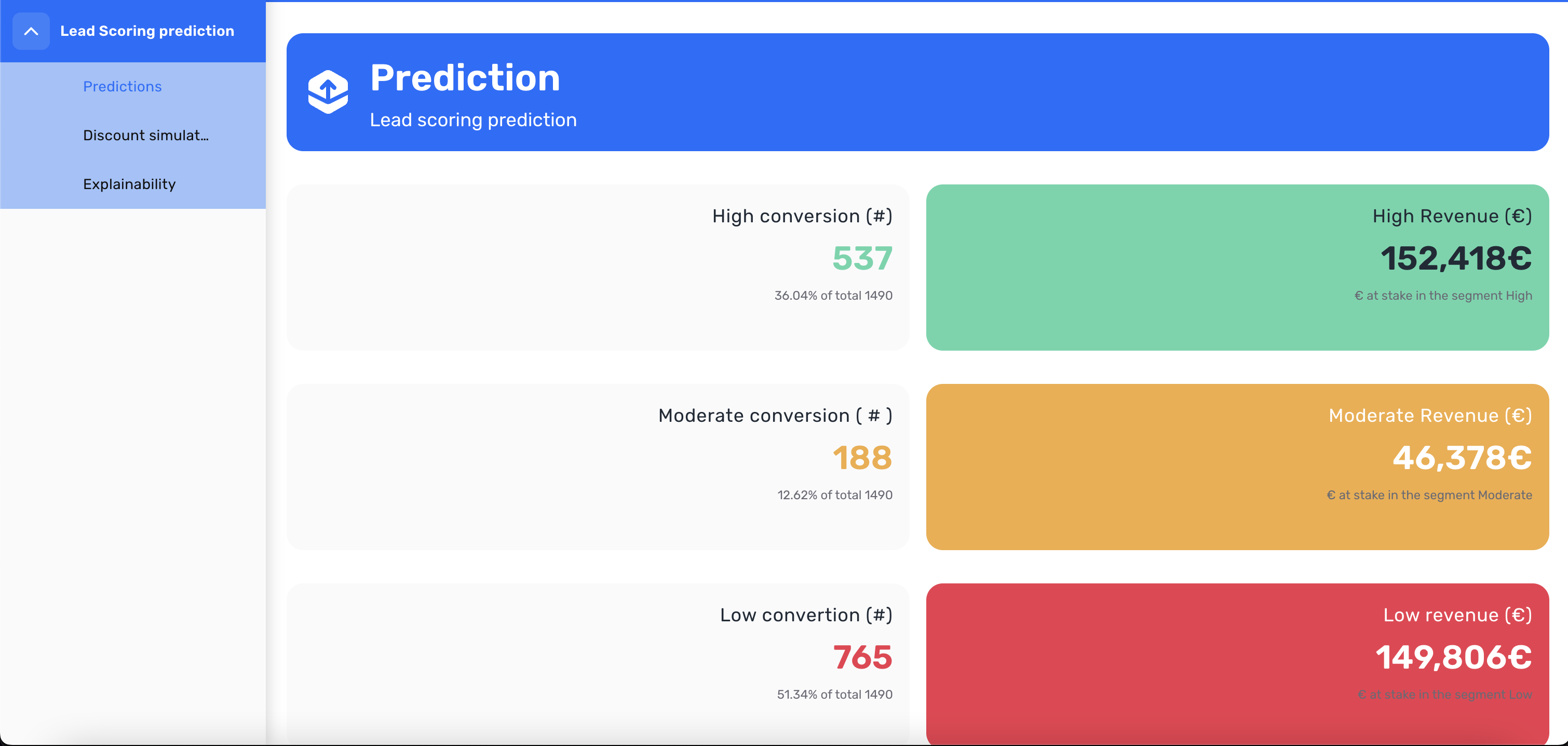
Shimoku allows a fairly wide level of aesthetic customization. Within these possibilities, from a single configuration file you can change:
* Palette (Main colors, greys…)
* Typography
* Custom (Logo, secondary colors, charts, shadows, radius…)
* Transitions
* zIndex
To generate these changes it is necessary to understand which parts affect each platform.
It is recommended to view the page [Colors](broken://pages/dSIoatg8yZzN7lM4UIKw) and [Titles and text](broken://pages/ORKtcowQOp7wrMZBdJxf) as well as continue reading.
Theme changes can be applied at the Domain, Universe and workspace level.
For example, if we have a client like **Group Coca-Cola Company**. This client is possible to add a customization of both URL, logo and styles that will make up the **Domain**.
Now **Group Coca-Cola Company** wants to keep its 10 by-products separate. **Fanta, Nestea,** etc. Each of them may have another customization at the **Workspace** level.
Thus creating a product in which each company can have its own accesses and its own individual brand.
### Example
To change the theme of the workspace to adapt it more to the case needs. The function `s.workspaces.update_workspace` needs to be provided with a dictionary for all the options that want to be changed, this features options will be explained in detail in it's respective entry.
An example on how to use it is:
```python
theme = {
"palette": {
"primary": {
"main": "#FFA500",
},
},
"typography": {
"h1": {
"fontSize": "60px",
},
},
"custom": {
"radius": {
"xs": "0px",
"s": "0px",
"m": "0px",
"l": "0px",
"xl": "0px"
},
"logo": "https://pngimg.com/uploads/under_construction/under_construction_PNG63.png",
}
}
s.workspaces.update_workspace(
uuid=uuid,
theme=theme,
)
```
Another level where the theme can be set is at the board level, by creating it with the theme:
```python
s.boards.create_board(
name=BOARD_NAME,
theme=theme,
)
```
or by updating an existing board:
```python
s.boards.update_board(
name=BOARD_NAME,
theme=theme,
)
```
This example contain production default styles:
{% file src="/files/3199lAr2jCCqjfV7iSap" %}
This example contain custom styles:
{% file src="/files/dkW3ed0uXdL6j7g8nlCA" %}
This is the file to modify the aforementioned fields. It is a default theme with the same styles as Shimoku. From this json is modified to change the theme. If this file is tested directly as a functional test, the only thing that will change is the Shimoku logo in the side menu. This will become all black.
---
# Agent Instructions
This documentation is published with GitBook. GitBook is the documentation platform designed so that both humans and AI agents can read, navigate, and reason over technical content effectively. Learn more at gitbook.com.
## Querying This Documentation
If you need additional information that is not directly available in this page, you can query the documentation dynamically by asking a question.
Perform an HTTP GET request on the current page URL with the `ask` query parameter, and the optional `goal` query parameter:
```
GET https://docs.shimoku.com/dev/building-web-app/theming.md?ask=&goal=
```
`ask` is the immediate question: it should be specific, self-contained, and written in natural language.
`goal` is optional and describes the broader end goal you are ultimately trying to accomplish on behalf of the user. GitBook uses it to tailor the answer towards what is most useful for that goal.
The response will contain a direct answer to the question and relevant excerpts and sources from the documentation.
Use this mechanism when the answer is not explicitly present in the current page, you need clarification or additional context, or you want to retrieve related documentation sections.