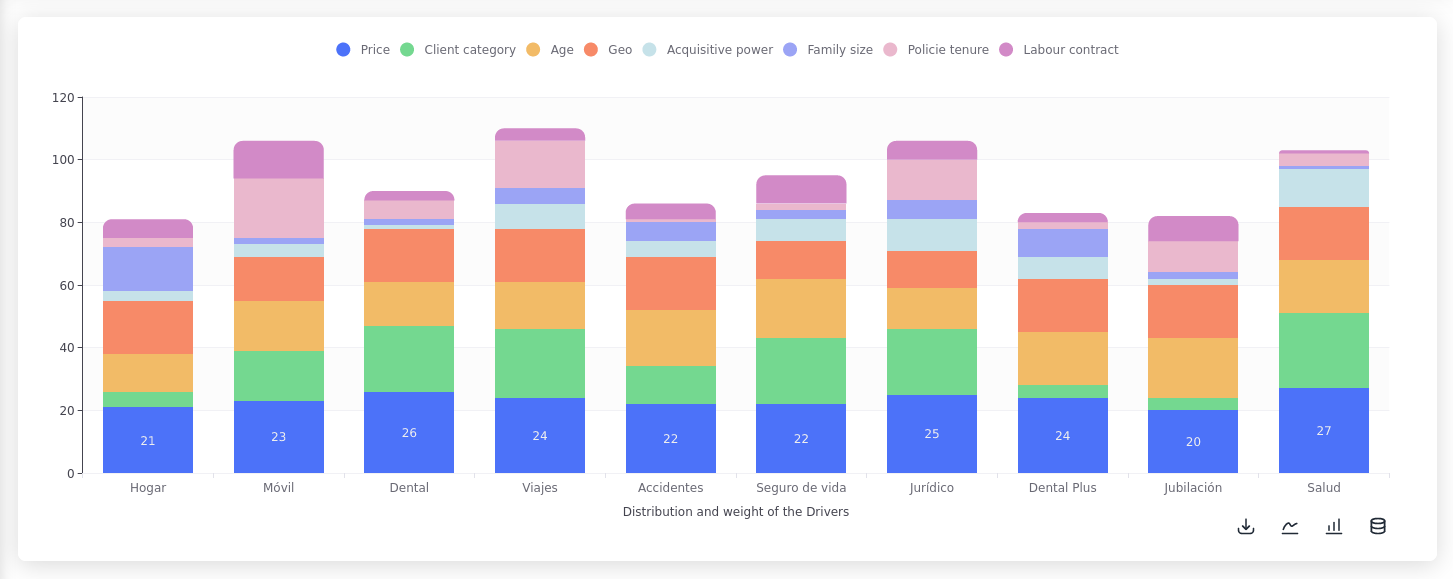
Stacked Bar

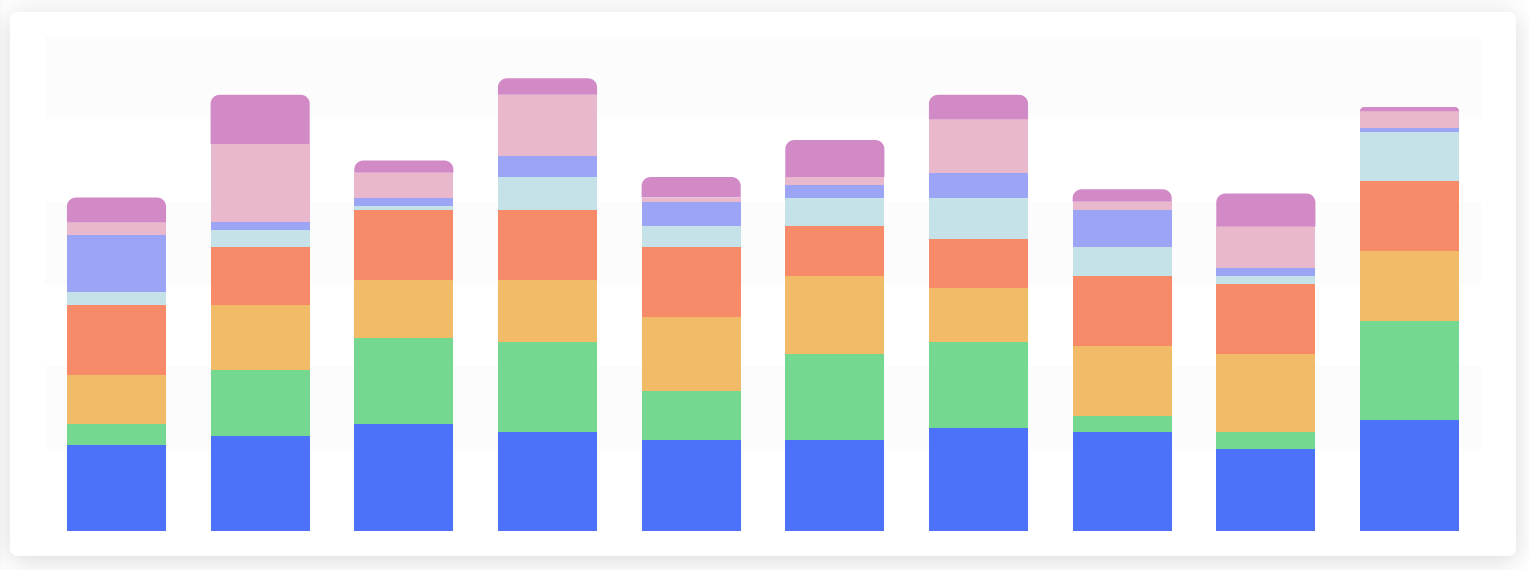
A stacked bar chart shows the composition of each category in a stacked bar, with each segment representing a sub-category.

The Method To Use

The method is s.plt.stacked_bar()

It must contain the following input variables:

x: str
order: int
data: Union[str, DataFrame, List[Dict]]

And accepts the following input variables as optional:

y: Optional[List[str]]
x_axis_name: Optional[str]
y_axis_name: Optional[str]
title: Optional[str]
rows_size: Optional[int]
cols_size: Optional[int]
padding: Optional[List[int]]
show_values: Optional[List[str]]
option_modifications: Optional[Dict]

Examples

An example of how the function expects the data to be represented is the following:

Assuming that the previously shown data is stored in the file 'file.csv'.

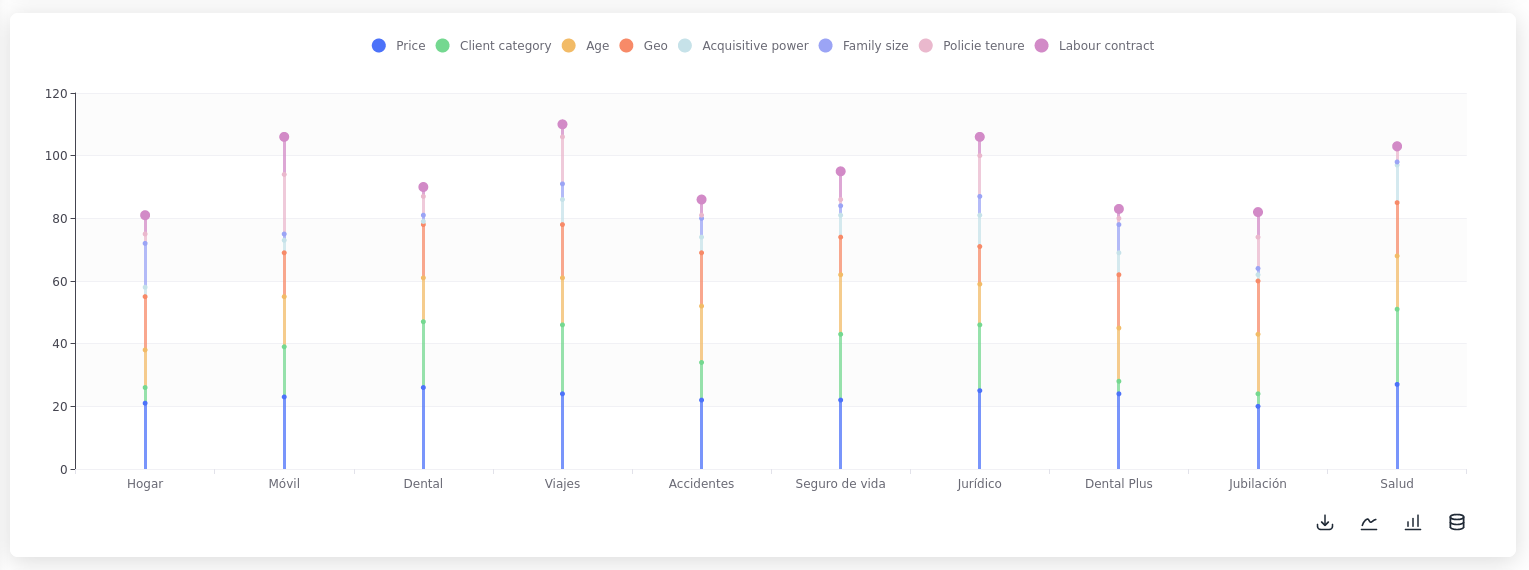
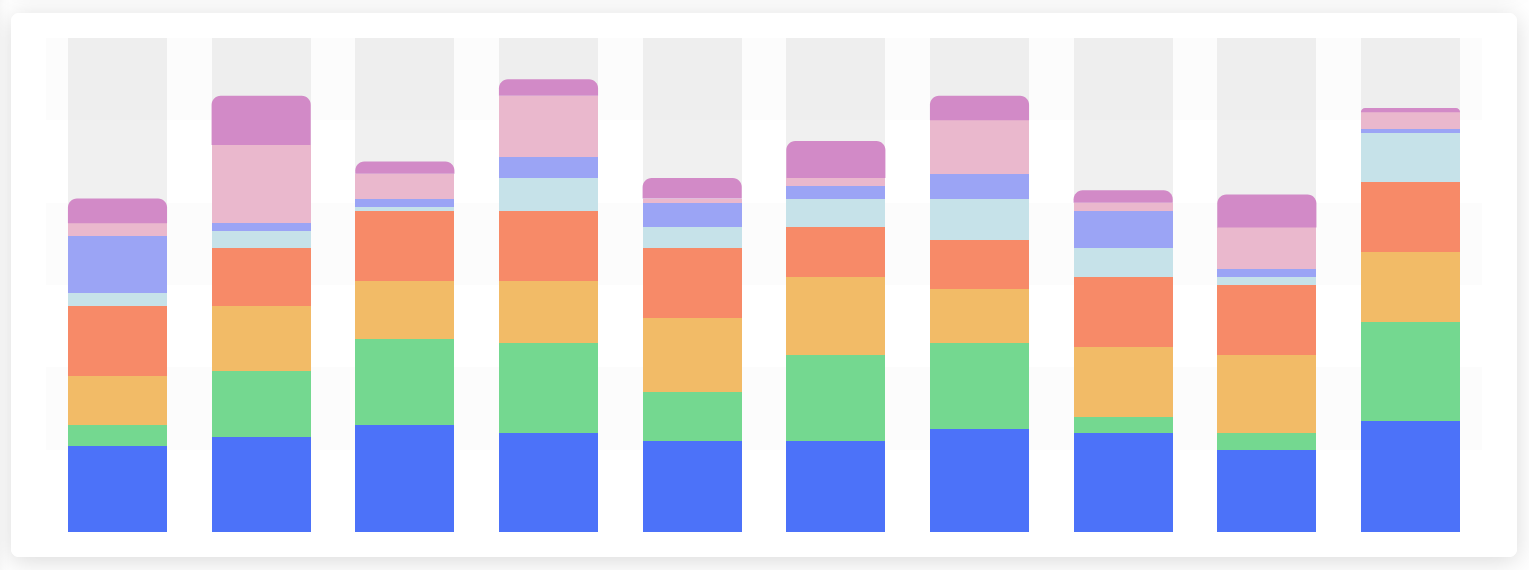
The function has the option to hide or show each level by using the parameter show_values where the columns of the dataset that will show it's values have to be specified, by default it will not show any values.

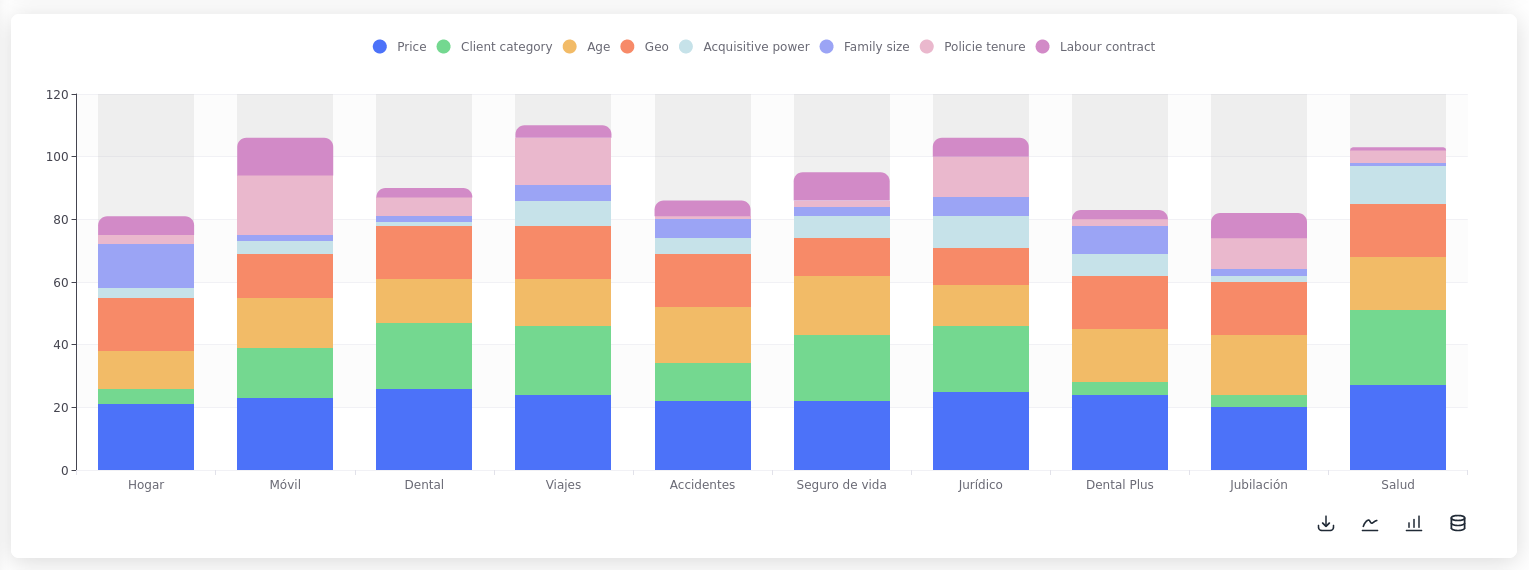
When executing the following code:

Stacked bar chart with percentages calculated and hidden labels
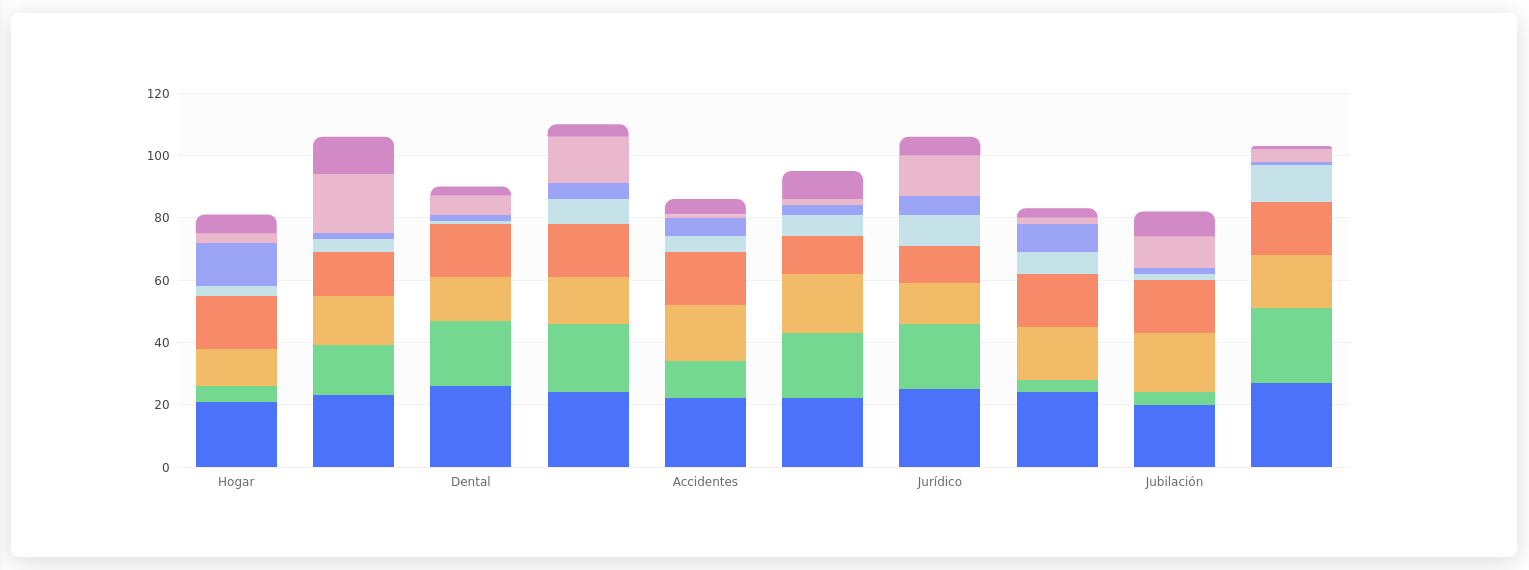
Variants

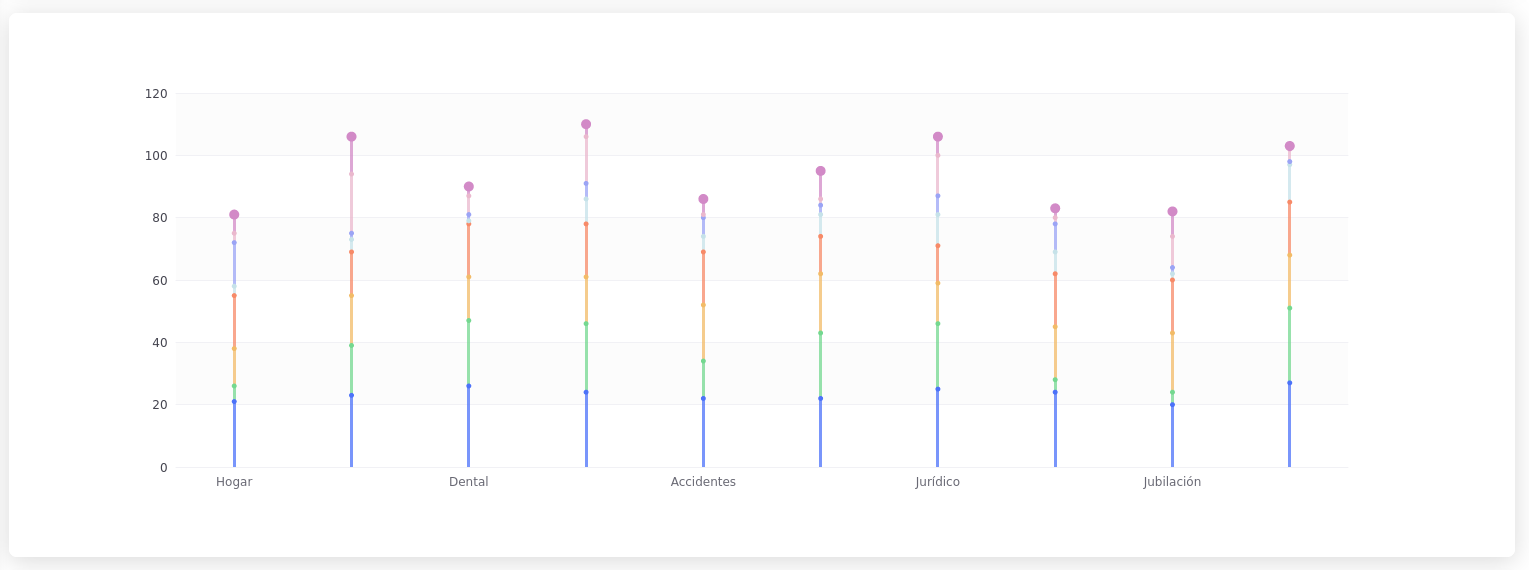
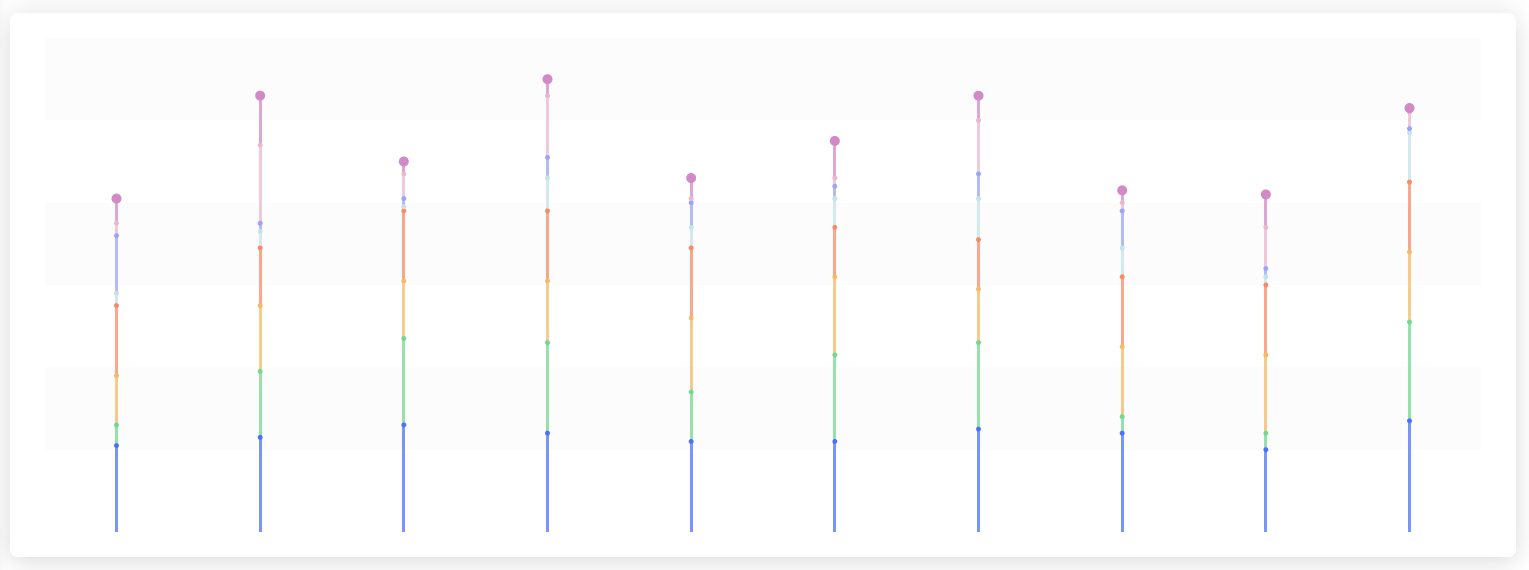
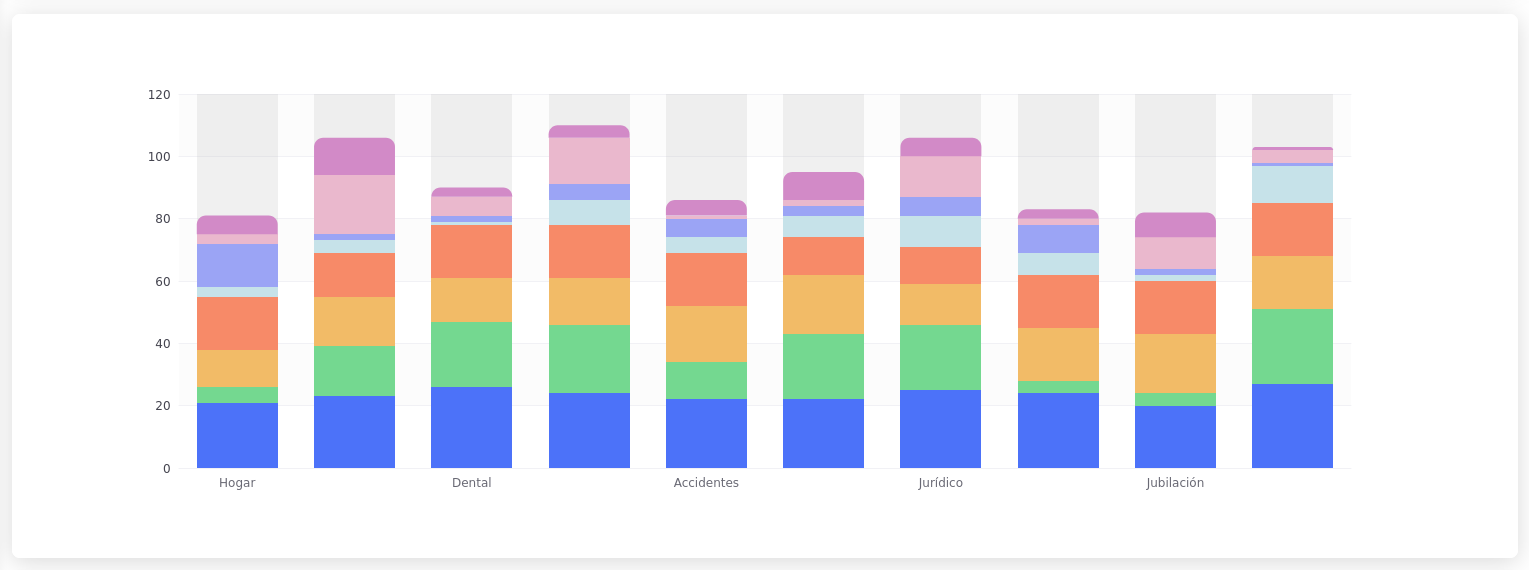
By setting the parameter variant to the following values the appearance of the chart can be changed:

variant='clean'

Interesting Usages

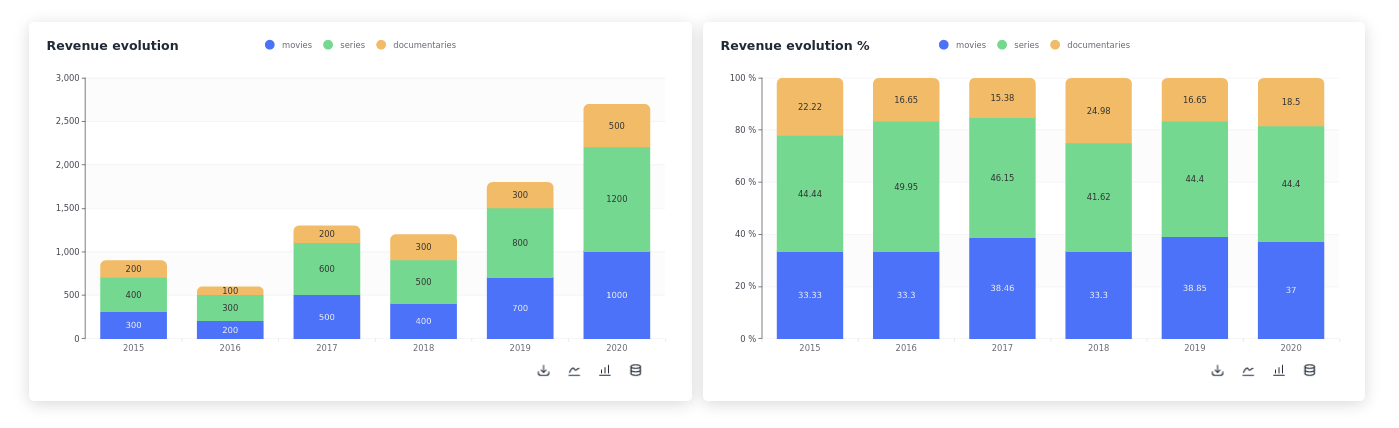
  • Showing proportions: Stacked bar charts are ideal for showing how a category is divided into subcategories. For example, you could use a stacked bar chart to show how a company's revenue by month is divided into different product categories.

    Evolution of revenue by month, total and in percentages
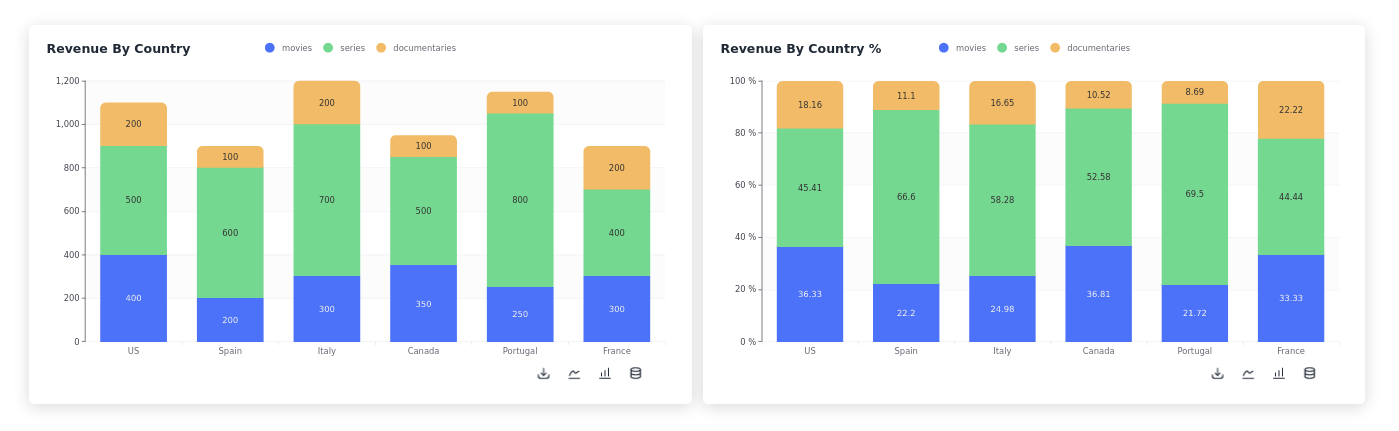
  • Comparing data: Stacked bar charts can also be used to compare data between different categories. For example, you could use a stacked bar chart to compare the revenue generated by different countries.

    Revenue by country total and percentages

Last updated

Was this helpful?